
📦 How Customizable Orders Work
Wait for the weekly harvest alert–it will include a link to begin building your box.
Your farm may also publish their picks a little earlier, so you may see what's coming before the newsletter arrives.
⏭️ Auto-Skip / Default Box Depending on your farm's setup, if you don't customize your box by the order cutoff, you'll either receive the default box curated by the farmer, or your order will be auto-skipped for that week. If your order is auto-skipped, your credit stays on your account and rolls forward to future orders.
Message Farmhand for your farm's specific policies.
💵 Tracking Your Credit
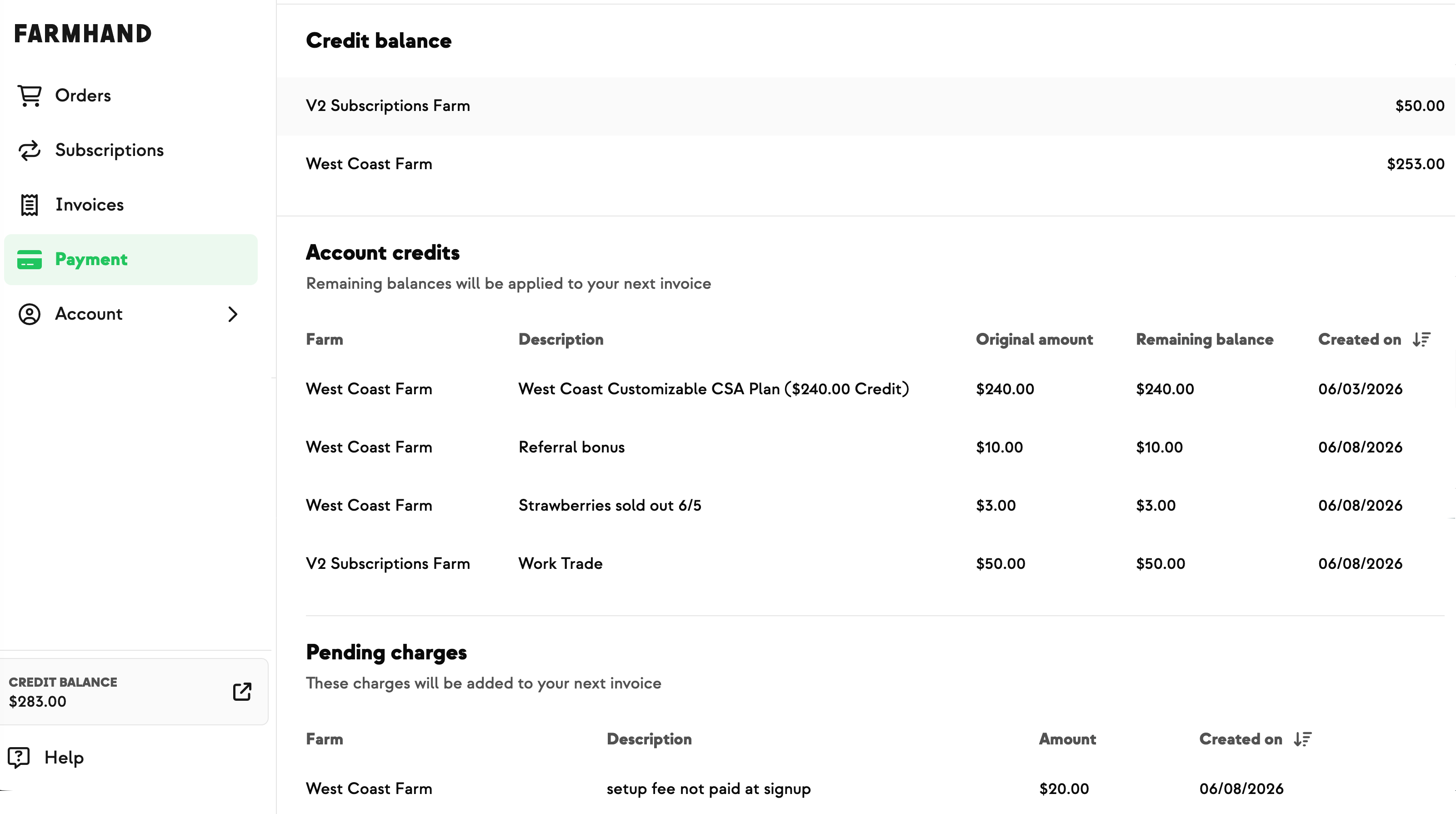
At the cutoff, your order total is automatically deducted from your credit balance. You can check your remaining balance anytime under your plan in the Subscriptions tab, or in the Payment tab.
🛒 Add-on-only items
Add-on-only items are billed separately–Some items are marked as add-on-only. These are billed to your payment method on file rather than deducted from your box credit — so you can grab extras without eating into the credit you've set aside for your boxes.
🔁 Renewals
If your order total is more than your remaining credit, a renewal will automatically process at the cutoff. You'll be renewed into the same plan you chose at signup, and your new payment will add credit to your account for upcoming orders
📦 How to Customize Your Order
Wait for the weekly harvest alert–it will include a link to begin building your box.
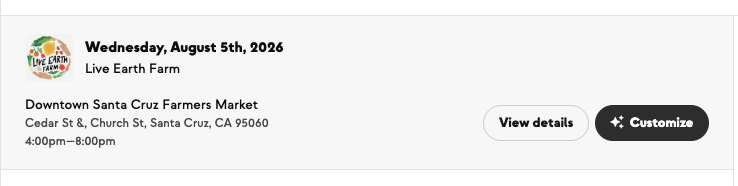
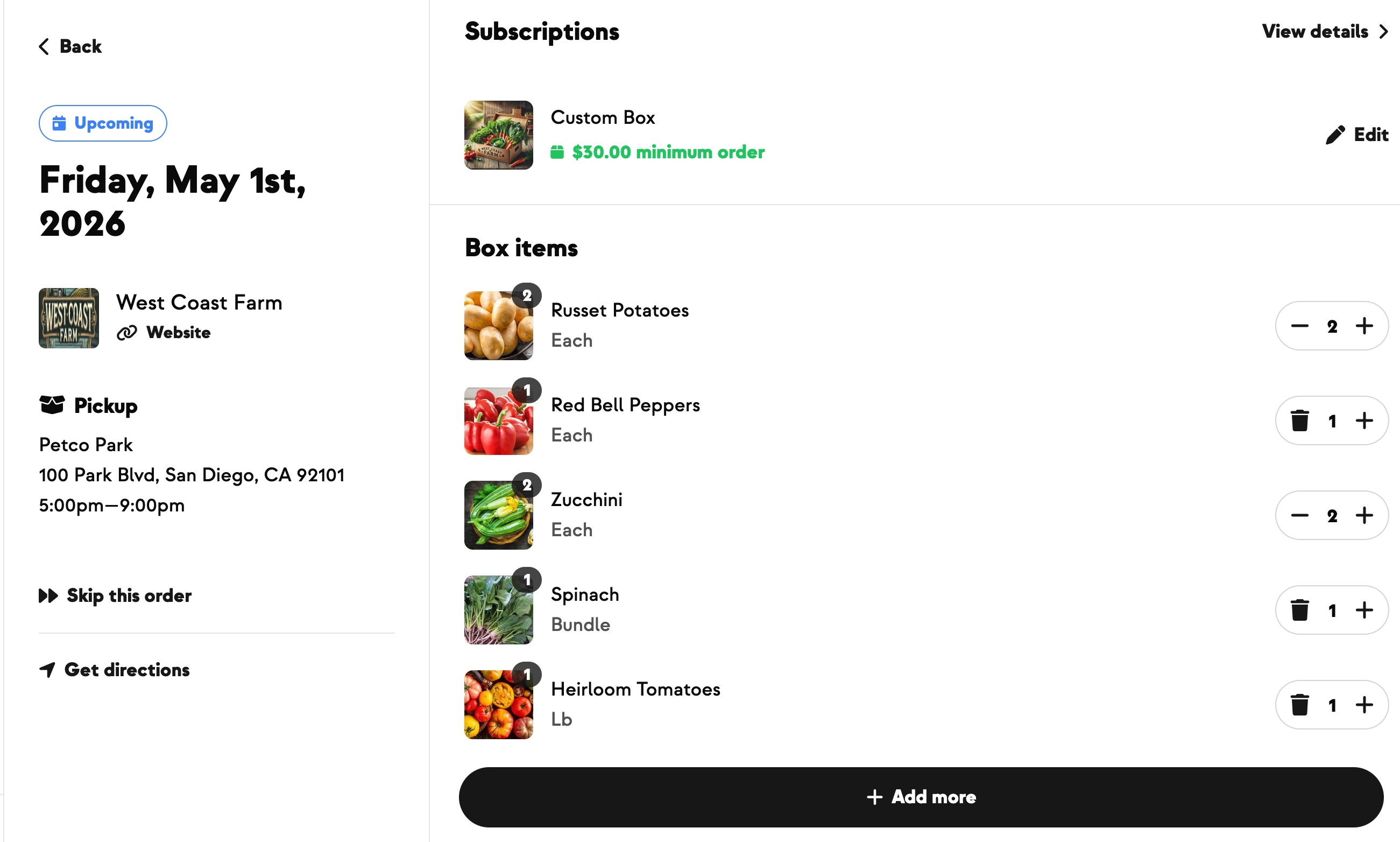
Navigate to your Orders tab and click Customize. Your cart opens pre-filled with whatever's currently in your box — add items, remove them, or adjust quantities freely.
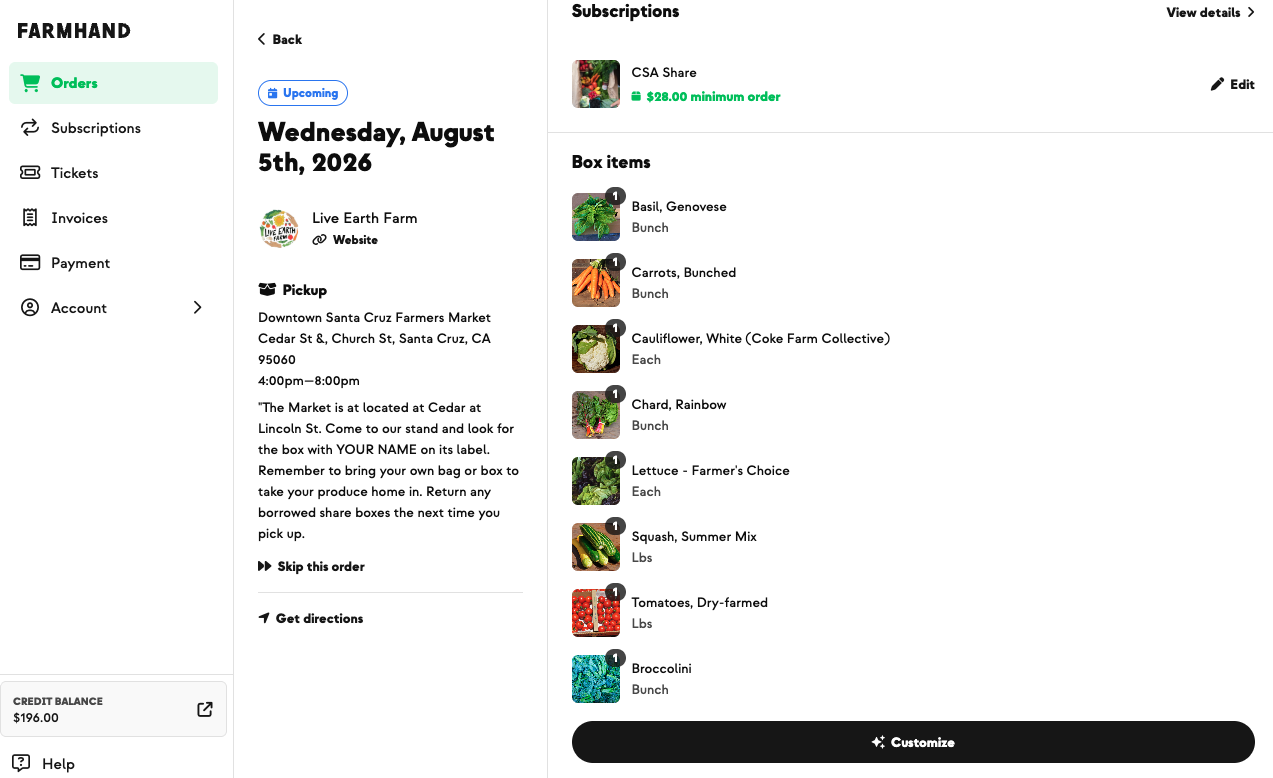
Add items until you reach the order minimum (watch the progress bar).
Nothing saves until you click Save Changes. Once you've hit the order minimum, click Save Changes to confirm. You'll see your items, an invoice, any pickup or delivery fees that apply, and how long you have to make further changes. You'll also receive a confirmation email.
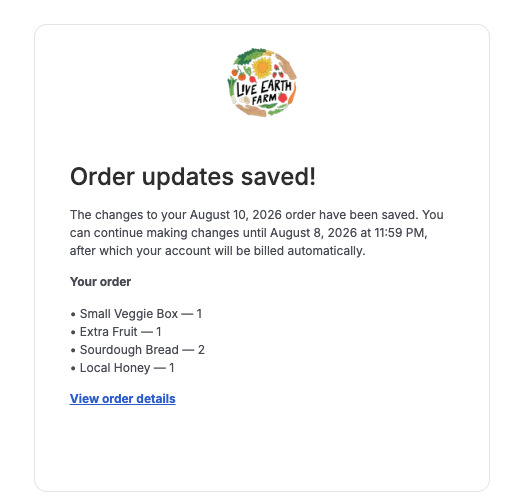
Edit anytime before the cutoff. You can come back and change your box as much as you like. If your edits drop you below the minimum, you'll be told you need to add more before you can save.
After the cutoff, your order is locked-in and the Customize button disappears.